
Last updated on July 31, 2026
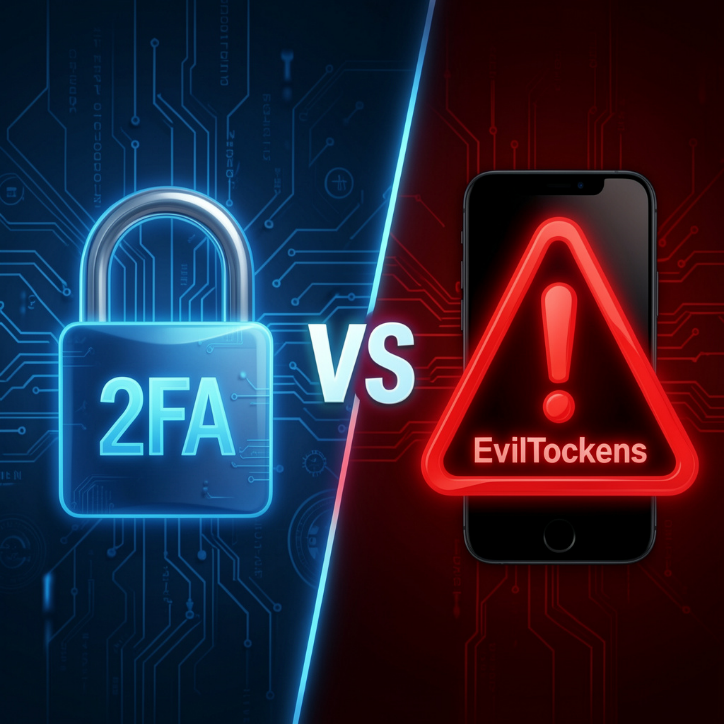
2FA vs. EvilTokens
Most people know how phishing scams work. A fake email, a suspicious link, or a fake website tries to steal your username and password.
But cybercriminals are now using a new method where they may not need your password at all.
A phishing technique known as Device Code Phishing (sometimes referred to in campaigns using tools such as EvilTokens) tricks users into approving access to their accounts without realizing it.
What Makes EvilTokens Different?
Traditional phishing scams usually depend on fake websites. Users are taught to look for warning signs such as strange website addresses, spelling mistakes, or suspicious login pages.
But this scam is different.
The website can be real. The login process can be real. Even security verification can be real.
The danger is that you may be approving a login request created by a cybercriminal.
How Does This Scam Work?
This attack abuses a login method originally designed for devices such as smart TVs, gaming consoles, and printers, where typing passwords can be difficult.
The device displays a short code, and the user enters it on another trusted device to complete the login.
Cybercriminals misuse this process by creating their own login request and sending a convincing message to the victim.
The message may appear as:
- a shared document request,
- an invoice,
- a meeting invitation,
- or a message asking you to verify your account.
The victim is directed to Microsoft’s genuine login page and asked to enter a code.
However, the code belongs to the attacker’s login session.
By entering the code, the victim unknowingly gives access to the attacker.
Why Is It Dangerous?
Many people believe two-factor authentication (2FA) will always stop hackers.
However, in this attack, criminals do not break 2FA. They trick users into completing the security step for them.
It is like someone asking you to unlock your own door and then walk inside.
How Can You Stay Safe?
- Never enter a login code unless you start the login yourself.
- Do not approve unexpected sign-in requests.
- Be careful with urgent messages asking you to verify accounts.
- Confirm unusual requests through another method.
- Keep your accounts protected with strong passwords and appropriate security settings.
References:
https://www.welivesecurity.com/en/cybercrime/eviltokens-phishing-doesnt-steal-password/
https://www.kiplinger.com/personal-finance/gadgets/new-microsoft-scam-targets-outlook-and-microsoft-365-users